Screen Records vs Loom
Stop overpaying for Loom!
Loom costs $18+ monthly. Screen Records creates recordings and edits everything on your Mac for $29, paid once. If you don't need a link to video, most of your Loom bill pays for servers you don't need.
No account, no card, no time limit. Free exports carry a small badge.
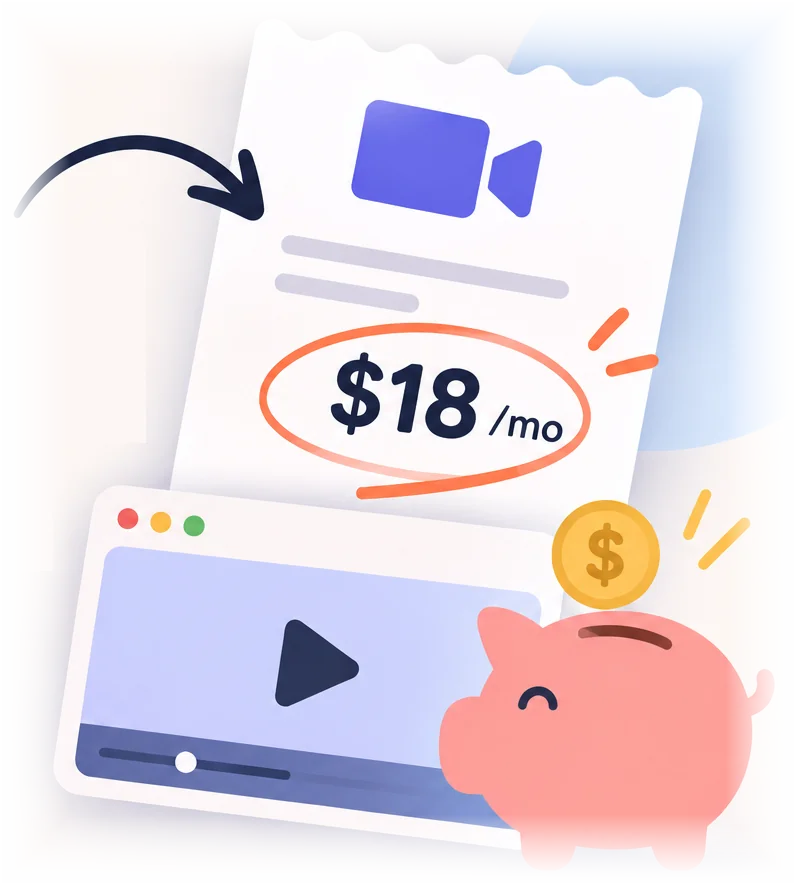
Loom Business, 1 person, 3 years
$648
and it keeps going
Screen Records, 1 Mac, forever
$29
paid once, updates included
Loom's $18 is the plan without AI. Business + AI is $24 a month, $864 over 3 years.
The $29 Screen Records license already includes AI editing.
Is Loom worth it for you?
Loom is built to send a link fast and see who opened it.
Screen Records is built to make a video worth watching. Find yourself below.
Keep paying for Loom if
- Your videos are quick replies to colleagues, and nobody watches them twice.
- Feedback has to land on the timeline, as a comment at 1:42.
- Half your team is on Windows, and the video has to play in a browser the second you stop.
- You need to know who watched your recording link and where they stopped.
That is a real product, and Loom does it well.
This page won't talk you out of it.
You're overpaying if
- You record demos, tutorials, lessons or courses, and people watch them for months.
- You wish you could cut the middle, zoom on a click and fix one sentence without a re-take.
- You have never opened the link view count.
- You just need MP4 to send it to your editor
- Your screen shows sensitive data you would rather not upload anywhere.
- You record 2 times a month and pay for all 30 days.
- You need the MP4 itself, for YouTube or a course platform.
- You have Claude or ChatGPT on your Mac. They can record and edit your videos in Screen Records.
Then you rent a server for files you could keep on your Mac.
Loom only lets you download them on Business and up.
Do the math on your own Loom bill.
Pick your team size and how long you plan to keep recording.
People recording
Loom plan
Loom Business, 1 person, 3 years
$648
$18 per person per month, Loom's listed price.
Screen Records One Mac, forever
You keep $619$29
Paid once. Updates included.
The cheapest setup
Loom Free when you need to share link fast.
Screen Records for everything else.
Loom's free plan gives you 25 videos of up to 5 minutes, which covers the "look at this bug" messages.
Make the demos, tutorials and launch videos here, pay $29 once and save money.
What $29 gets you that $216 a year doesn't.
Including the two rows where Loom wins. You should know those before you switch.
| Loom Business | Screen Records | |
|---|---|---|
| Price | $18 per person, every month | $29 once, or $49 for 3 Macs |
| Free plan | 25 videos, 5 minutes each | No video cap, no time limit. Small badge on exports |
| Where recordings live | Loom's cloud | Your Mac. Nothing is uploaded |
| Editing | Trim and stitch. Transcript editing on the AI plan | Cut, zoom, re-record one sentence, backgrounds, text and image layers |
| Remove pauses | Business + AI plan, $24 a month | Included, one click |
| Download your video | Business plan and up | Always. It is a file on your Mac |
| AI | Titles, summaries and chapters on Business + AI | Claude, ChatGPT, Codex or Cursor record and edit in the app |
| Share link the moment you stop | Yes | No. You get an MP4 to upload where you like |
| Who watched, and how far | Yes | No |
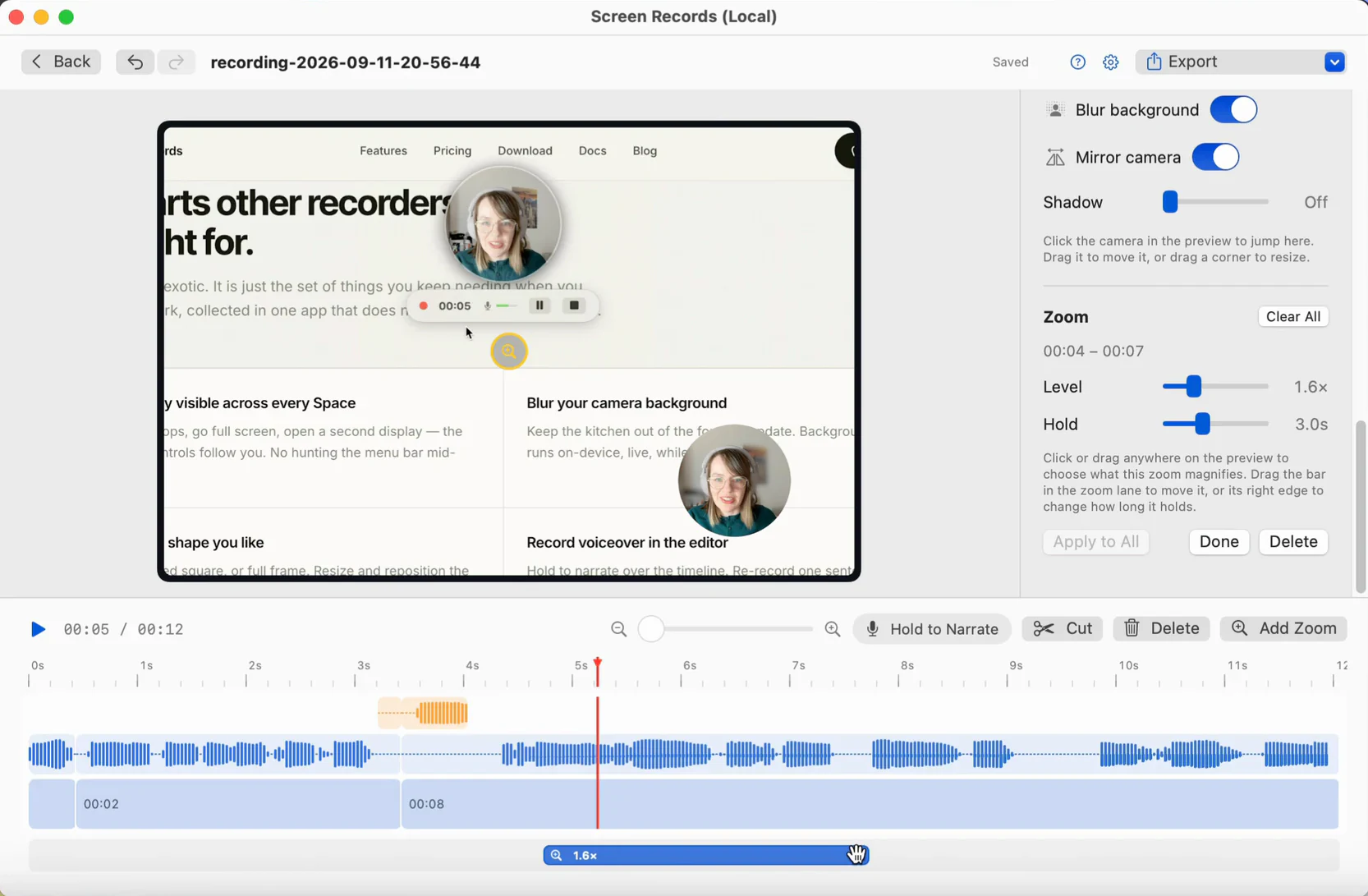
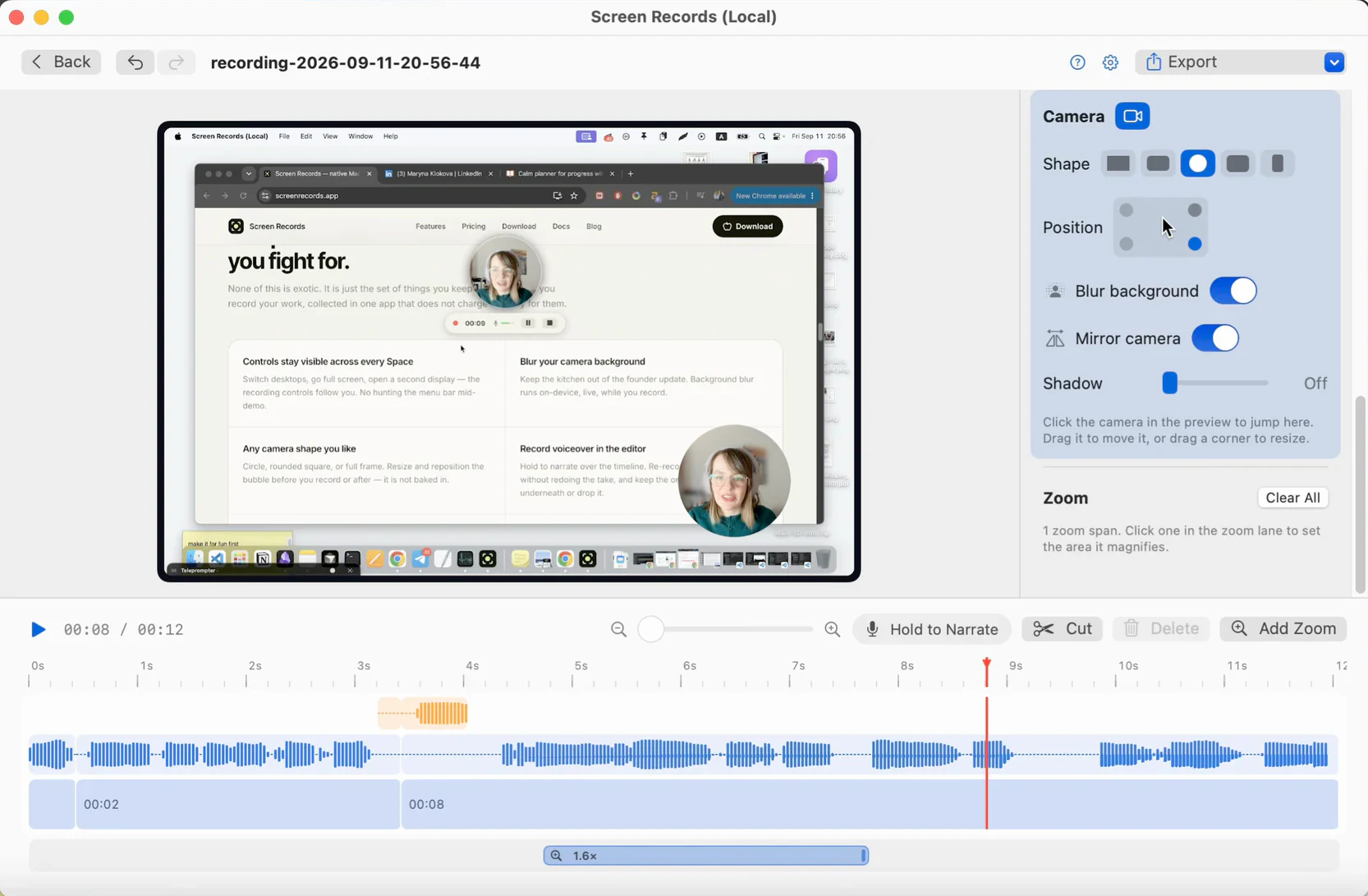
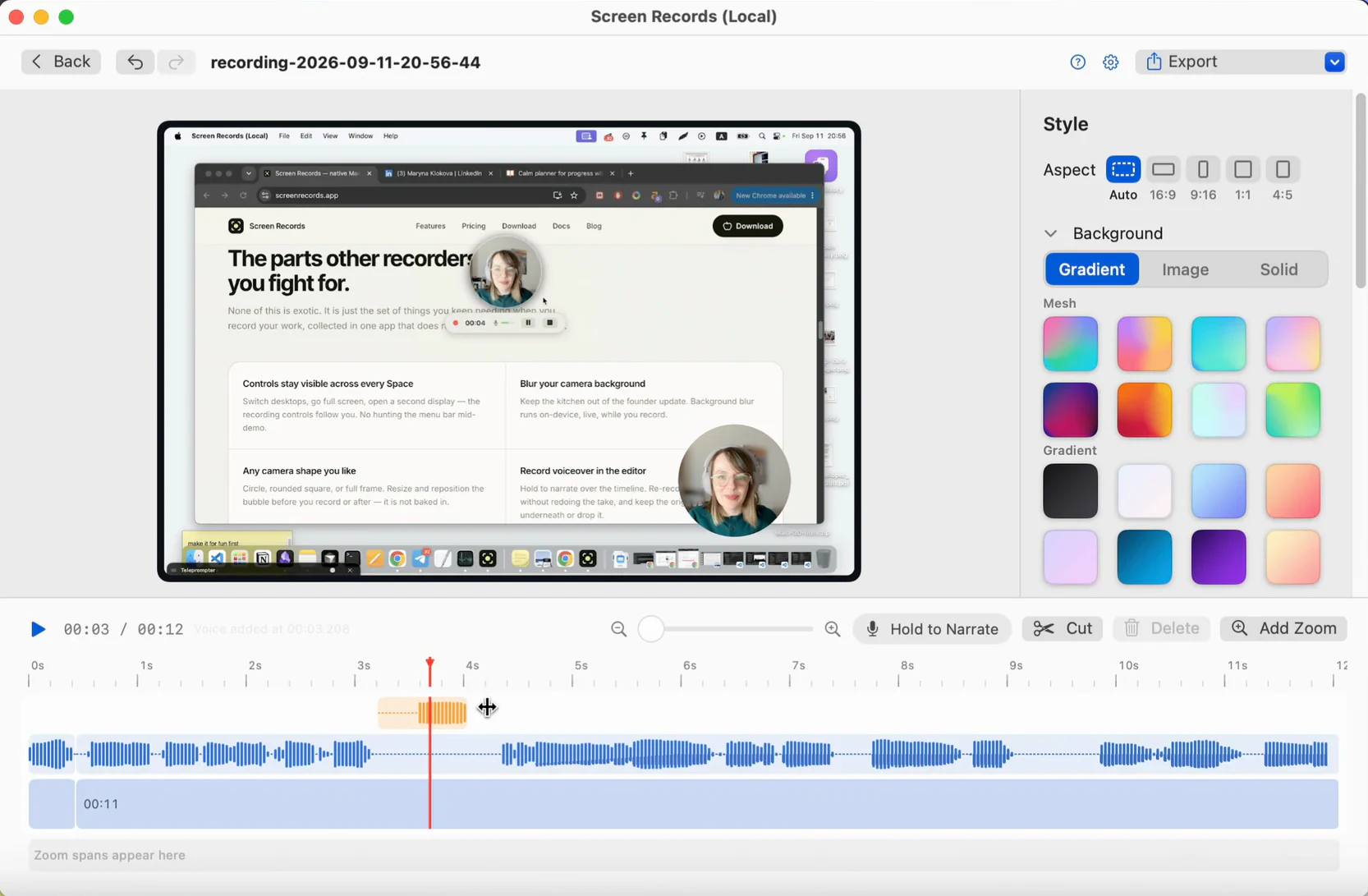
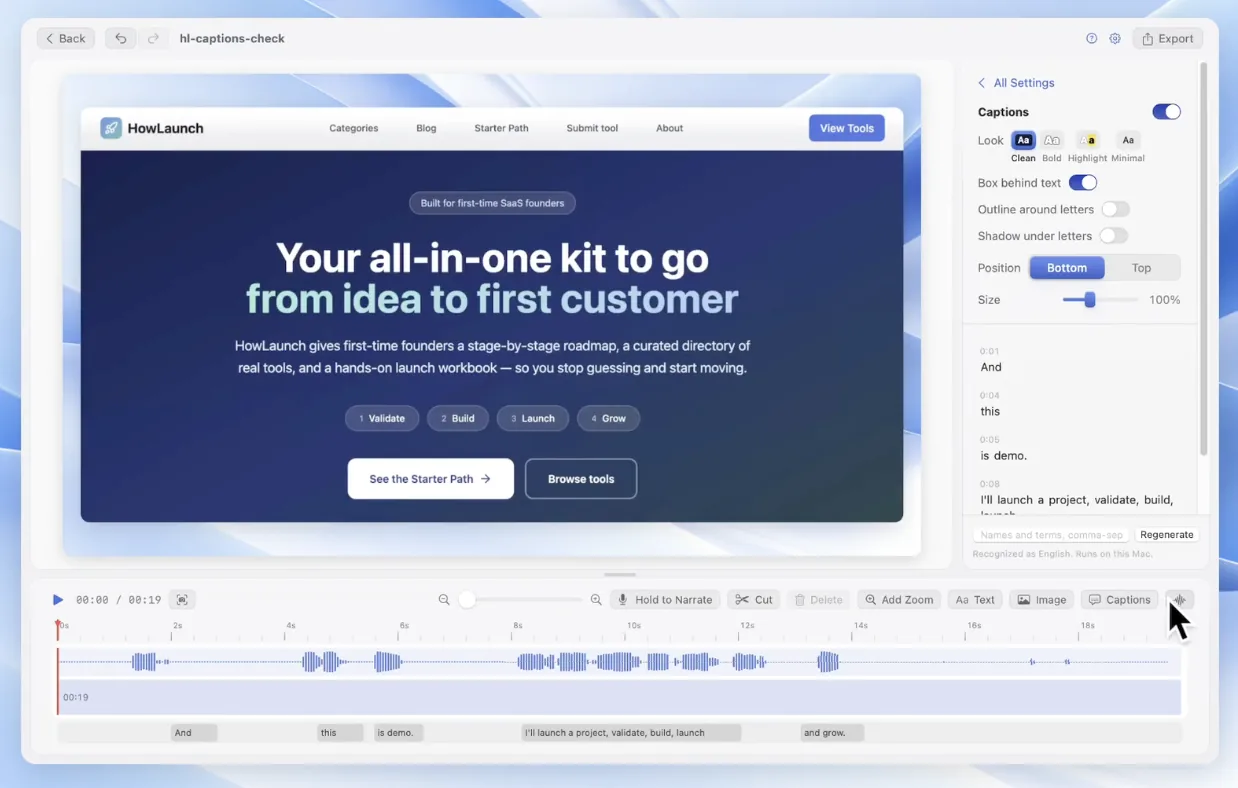
Here is the whole deal.
Try it on your own Mac with your own microphone before you pay a cent.
- 1
Use the whole app free first
No account, no card, no time limit. Record your next Loom here instead and compare the two videos.
- 2
Keep it for $29,paid once
Removes app watermark, adds AI editing and audio and captions export as their own files.
- 3
Every future update included
No renewal, no card on file. The version you buy keeps working.
- 4
14 days to change your mind
Not happy with it? Email us within 14 days and get the full refund. Or tell us what to fix and it will be in next version.
Or download the free version and decide later. Payment by Stripe, 14-day refunds.
Before you cancel
If you are still unsure.
Can I really drop my Loom bill to zero?
If your paid Loom use is making videos, yes. Loom's free Starter plan covers 25 videos of up to 5 minutes, which is enough for quick replies. One catch: if you already have more than 25 videos, Loom will not let you record a new one on Starter until you delete down to 25. Make the demos, tutorials and launch videos in Screen Records and save money.
What do I lose when I cancel Loom?
Less than you might think. Loom moves you to the free Starter plan at the end of the billing period and keeps all your videos and their links. You lose trim and stitch, engagement insights and custom branding on share pages, and new recordings are capped at 5 minutes. Loom lists downloads on Business and up, so save the videos you want as files before the plan ends.
Is the free version really free?
Yes. The full editor, captions, zooms and every export format, with no time limit and no account. Video and GIF exports carry a small badge in a corner until you buy a license.
Does it work on Windows?
No. Screen Records is a native Mac app for macOS 14.0 and later, on Apple Silicon. If your team needs Windows or browser recording, Loom is the better fit.
But Loom gives me a link the second I stop.
It does, and Screen Records does not. You get an MP4. Upload it to Slack, Notion, Google Drive or YouTube and you have a link. For a quick reply that extra step is annoying, so keep the free Loom plan for those.
What about my team?
The Three Macs license is $49 once and covers three Macs, yours or your teammates'. A teammate activates their Mac with Restore Purchase and the restore link you forward them. For more than three Macs, email [email protected] and we will make you best offer.
Your next Loom renewal is a good day to stop.
Download Screen Records, record the video you would have made in Loom, and compare the exports. If Loom's is better, you have lost 10 minutes.
Loom prices and plan features are from loom.com/pricing and Loom's help center, read on November 17, 2026: $18 per person per month for Business and $24 for Business + AI. Loom says yearly billing saves up to 17%. Check them before you switch. Loom is a trademark of Atlassian. Screen Records is not affiliated with Loom or Atlassian.
Play with our free tools
See allTest your mic and camera, time a script, or record a quick screen clip right in your browser. Nothing to install, and nothing leaves your device.