The Mac screen recorder with the editor built in.
Record yourself
Record your screen and camera, cut the pauses, add captions and zooms, export an MP4 ready to post.
Or let your AI do it
Ask Claude or ChatGPT to record, edit and export the entire video for you. How it works
Native Mac app · projects stay on your Mac · paid once, no subscription
macOS 14.0+ · Apple Silicon · signed & notarized · 5.5 MB download · v0.1.9, Nov 10
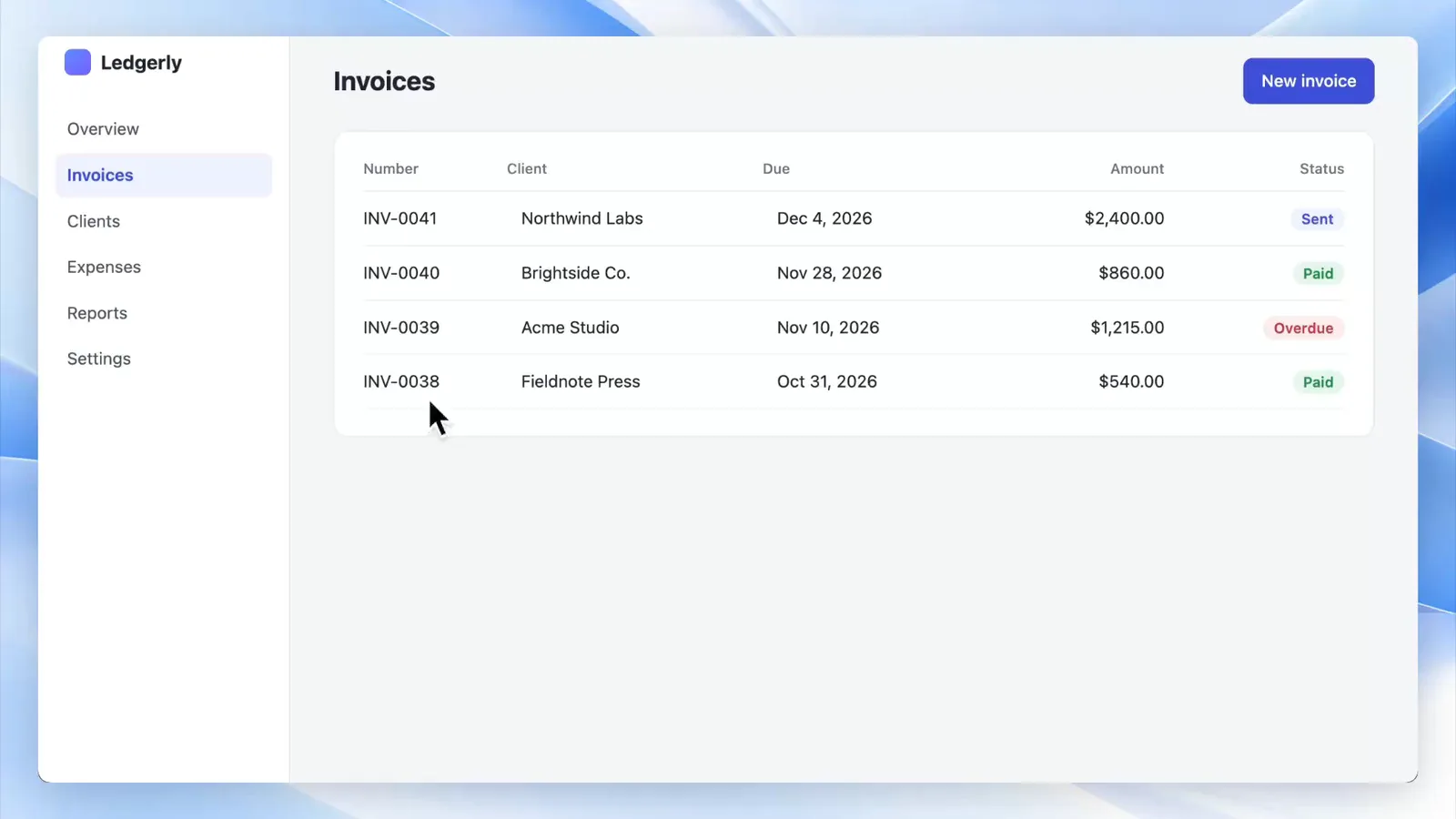
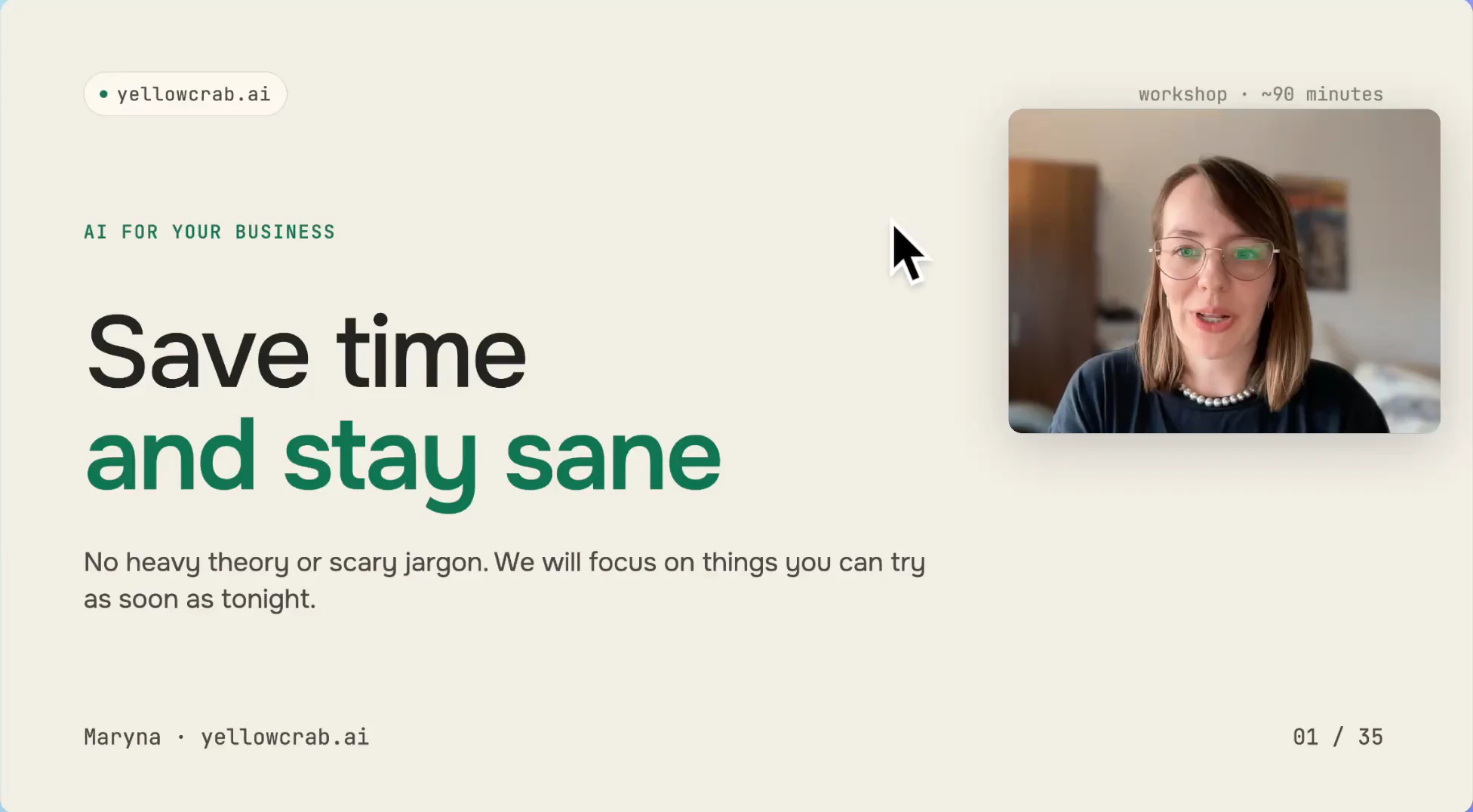
Recorded, edited and exported in Screen Records.
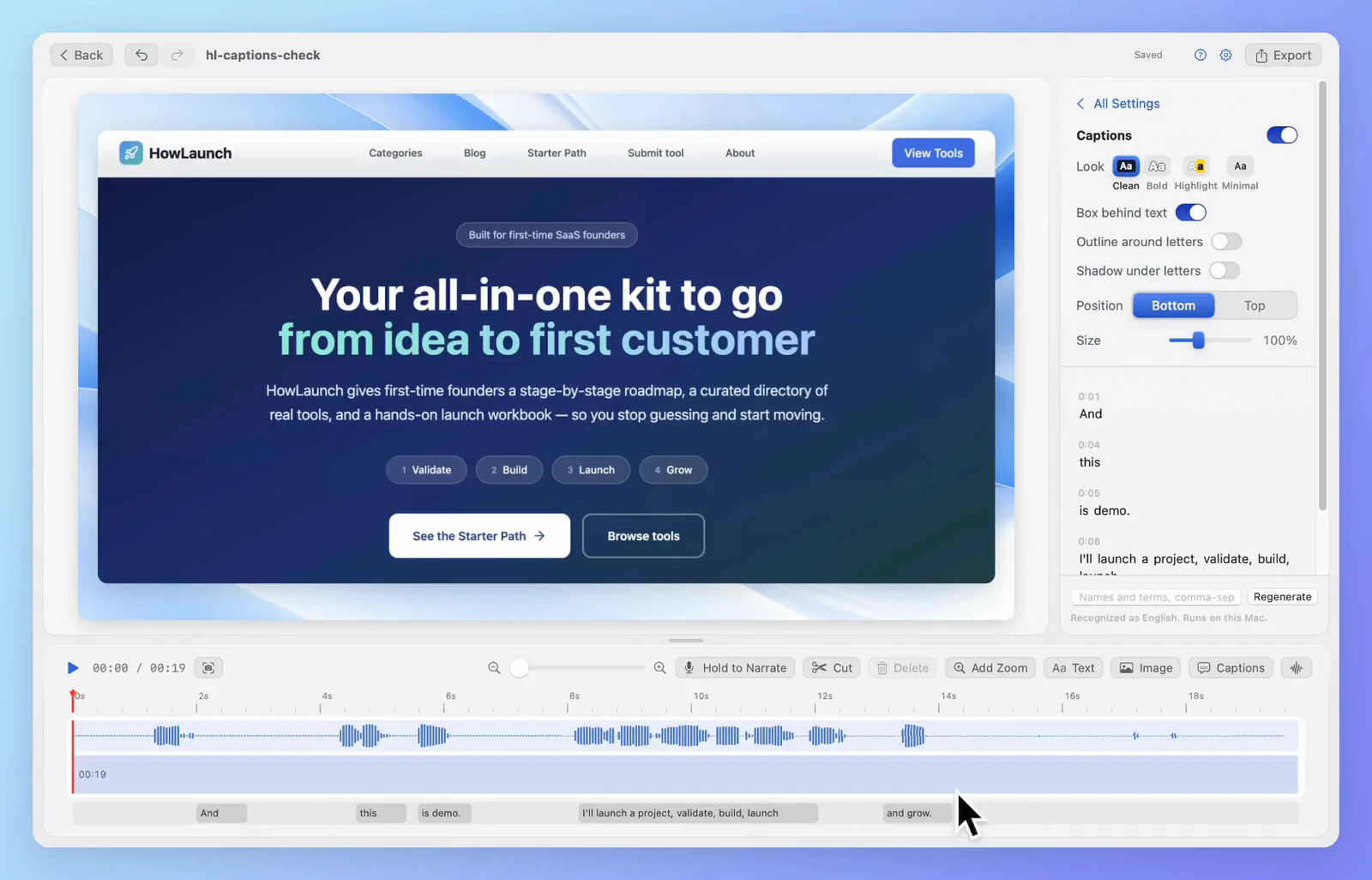
Cut silence in one click.
- Remove Pauses
Pick a gap from half a second to 3 seconds and see how much shorter the video gets before you confirm.
- ⌘B splits, ⌫ deletes
Cut a stumble by hand without zooming the timeline. Captions move with every cut.
- Nothing is thrown away
Cuts are instructions. The raw capture stays on disk, and ⌘Z brings any of it back.
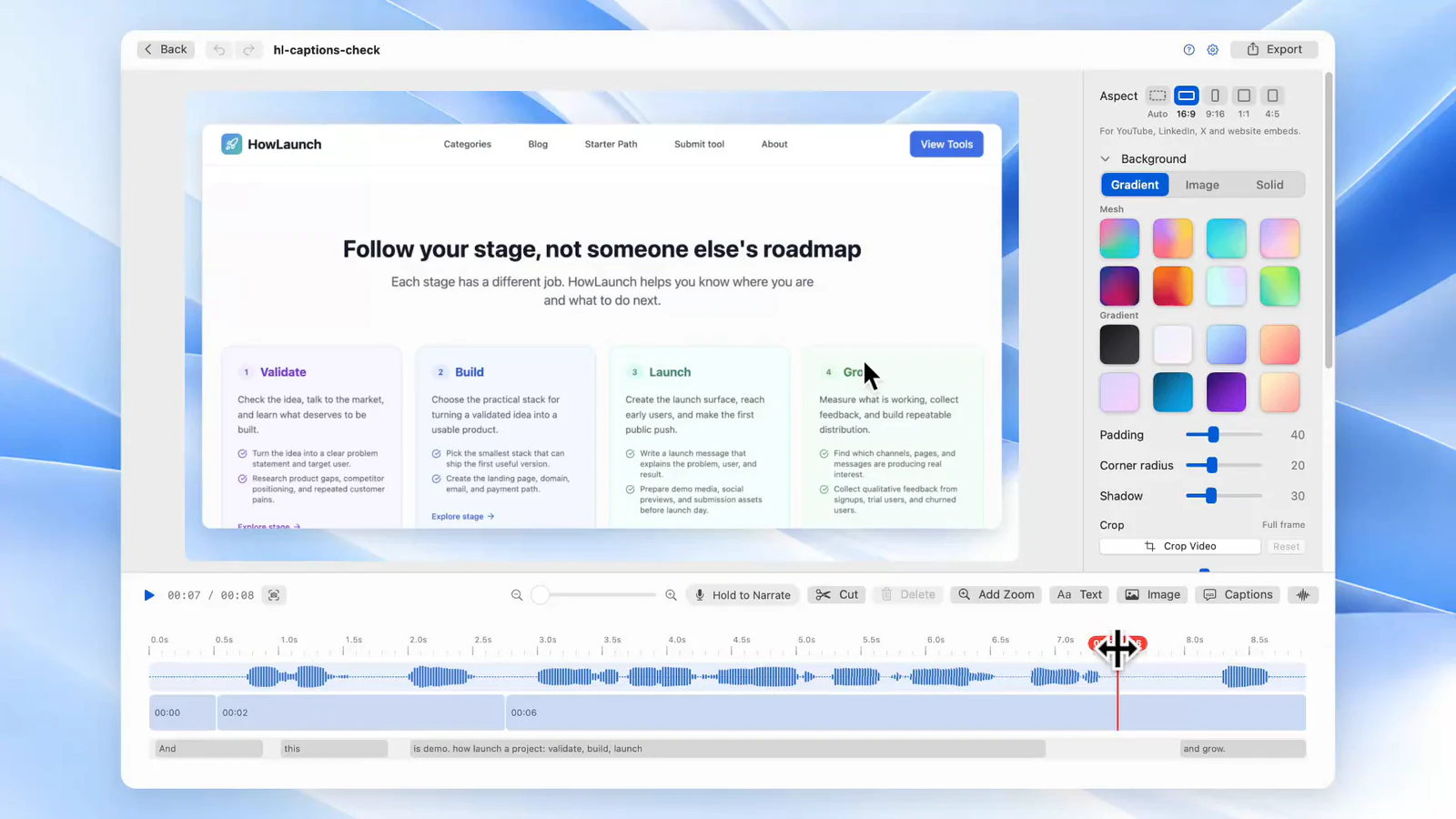
Say the bad sentence again. Keep the rest.
- Hold to Narrate
Mute the line, hold the button and say it again. The new take lands on its own track.
- Captions follow along
The muted words leave the captions and the new ones are transcribed in their place.
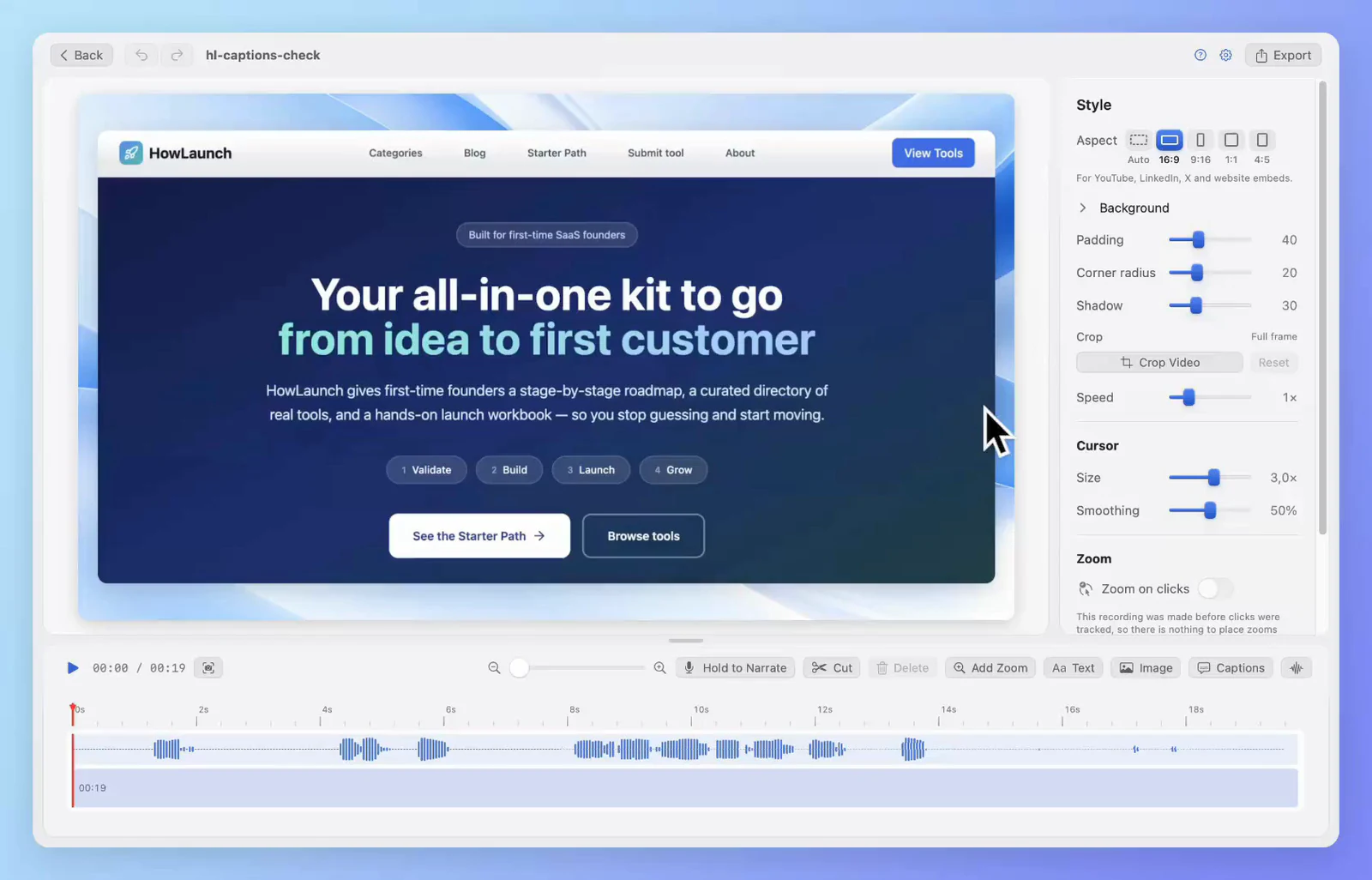
Captions made on your Mac, fixed by typing.
- No audio uploaded
A speech model runs on your Mac. It is a one-time 540 MB download.
- Fix a word like text
Type over a misheard word and the caption on the video changes with it.
- Four styles
Change the box, shadow and size, or use Highlight to mark the word being spoken.
- Files or burned in
Export SRT, WebVTT or plain text, or draw them into the MP4.
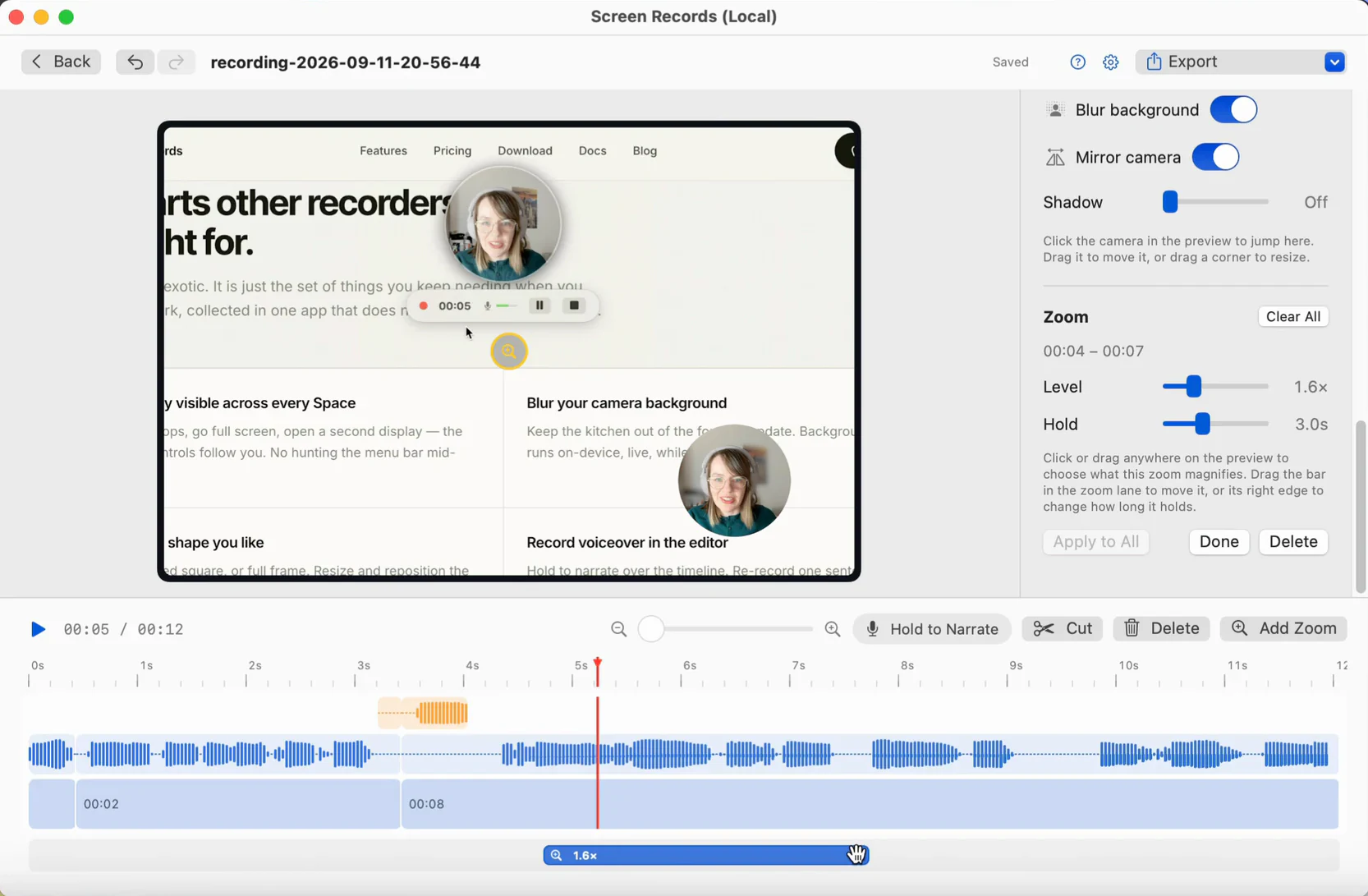
Zoom in where the click happens.
- Eased zooms
Place one on the timeline, then pick how deep it goes and how long it holds.
- Camera in any shape
Circle, rounded square, rectangle or full frame. Move and resize it after recording.
- Backgrounds and five frame shapes
Gradient, image or solid color behind the recording, exported at 16:9, 9:16, 1:1, 4:5 or auto.
Try the editor on your next recording.Free to download. Pay once when you want the badge gone.
Your AI can work in the editor with you.
Connect Claude, ChatGPT, Codex or Cursor through MCP and ask in plain words. It can record the demo itself, clicking through your app while Screen Records films it, then cut pauses, add captions and zooms, and export. Every change lands in the editor as one undo step, so you check it before anything is published.
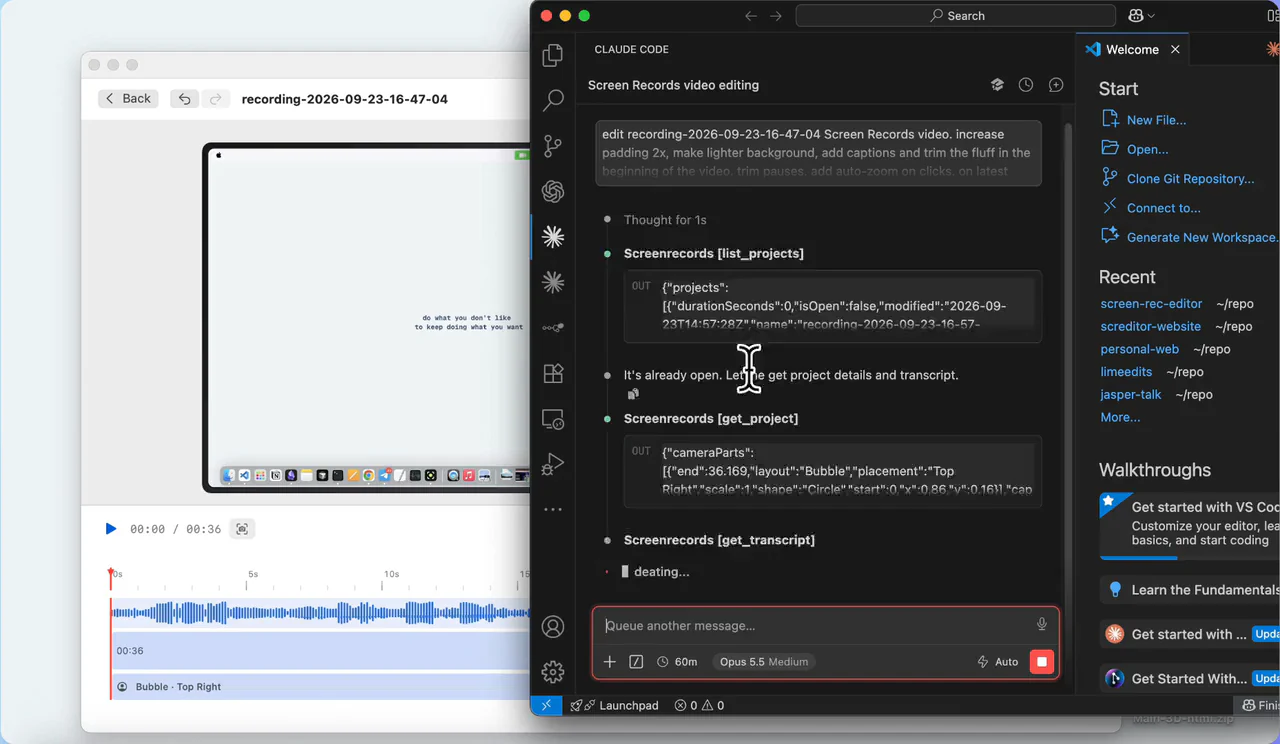
- ›Record a demo with Screen Records of that website.
Claude Code clicked through making an invoice, cut the 66-second take to 20 and exported it. See the video
- ›…add captions and trim the fluff in the beginning of the video. trim pauses. add auto-zoom on clicks…
A 36-second take of mine became 14 seconds, with captions and zooms. Before and after
- ›Install Screen Records from screenrecords.app.
Claude Code or Codex sets the app up from the terminal, then it is ready to record. How it goes
Rough take → finished dynamic video
A raw test recording of a planner app, with a slow start and pauses while I typed. One prompt to Claude turned it into the version on the right.
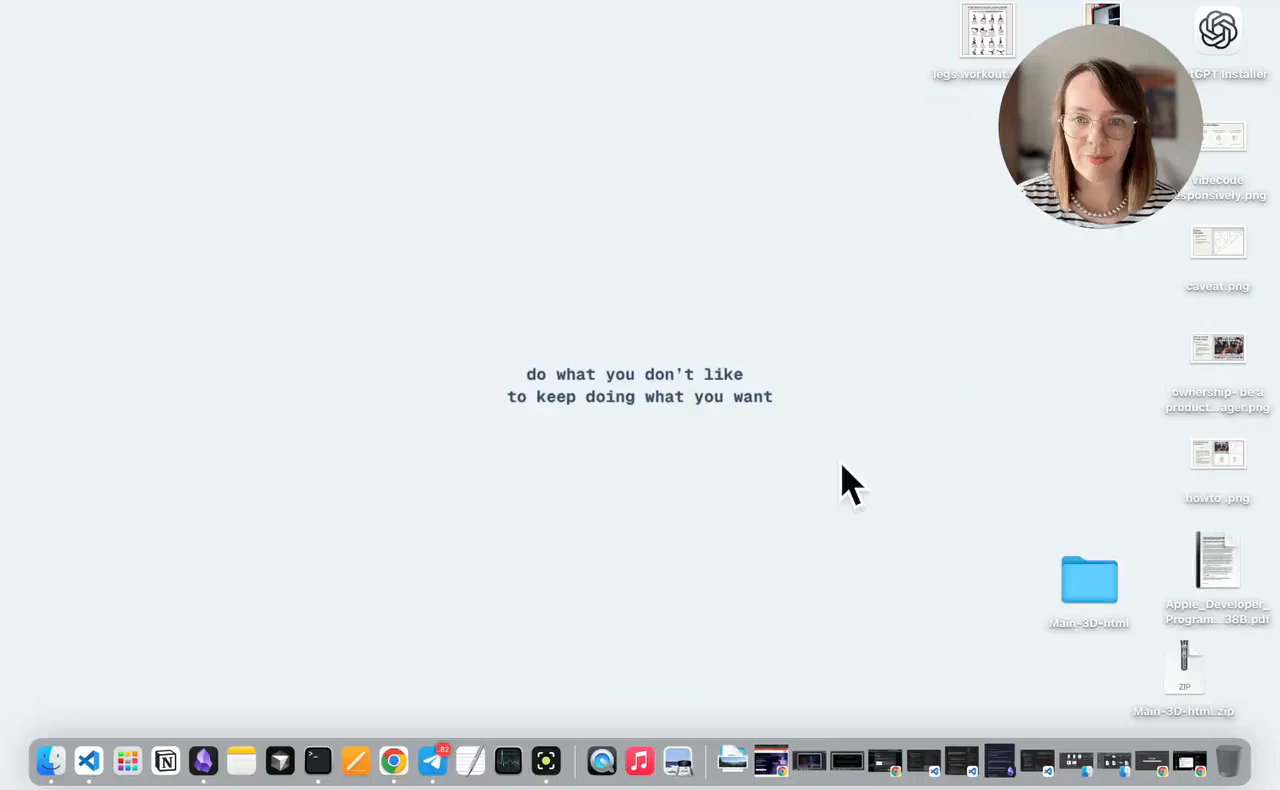
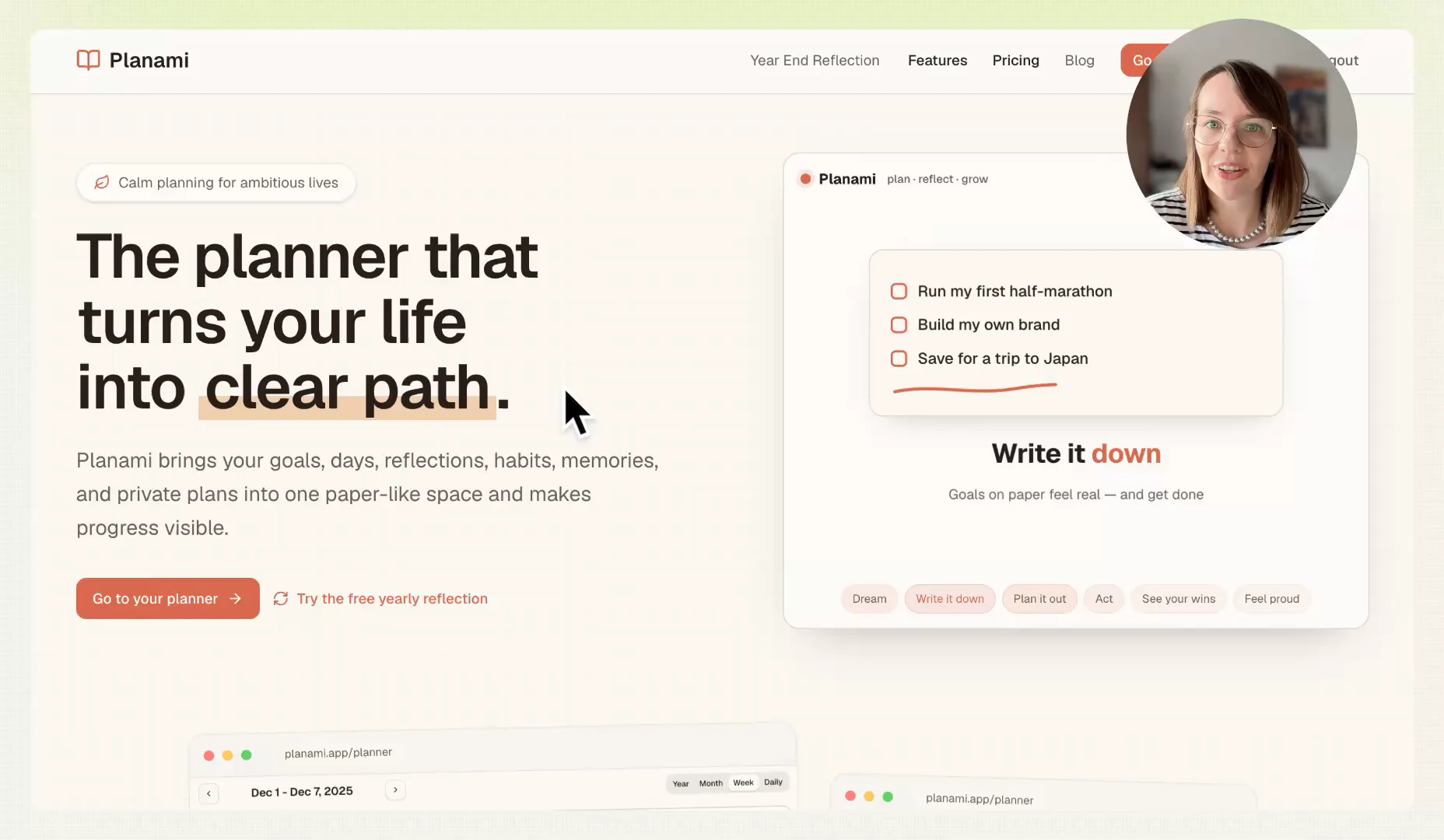
- Padding
- doubled, from 19 to 38.
- Background
- Graphite swapped for Mist, a light one.
- Captions
- transcribed and placed at the bottom in the default Clean style.
- Intro
- the first 10 seconds of desktop and "hi, testing my MCP" cut, so it opens on the product.
- Pauses
- five removed, 8.7 seconds in total, including two while typing.
- Zoom
- turned on for clicks, which gave three zooms that follow the cursor.
- Last line
- the camera goes full screen for "Now let's edit."
- Export
- checked the frames first, then exported at 1080p.
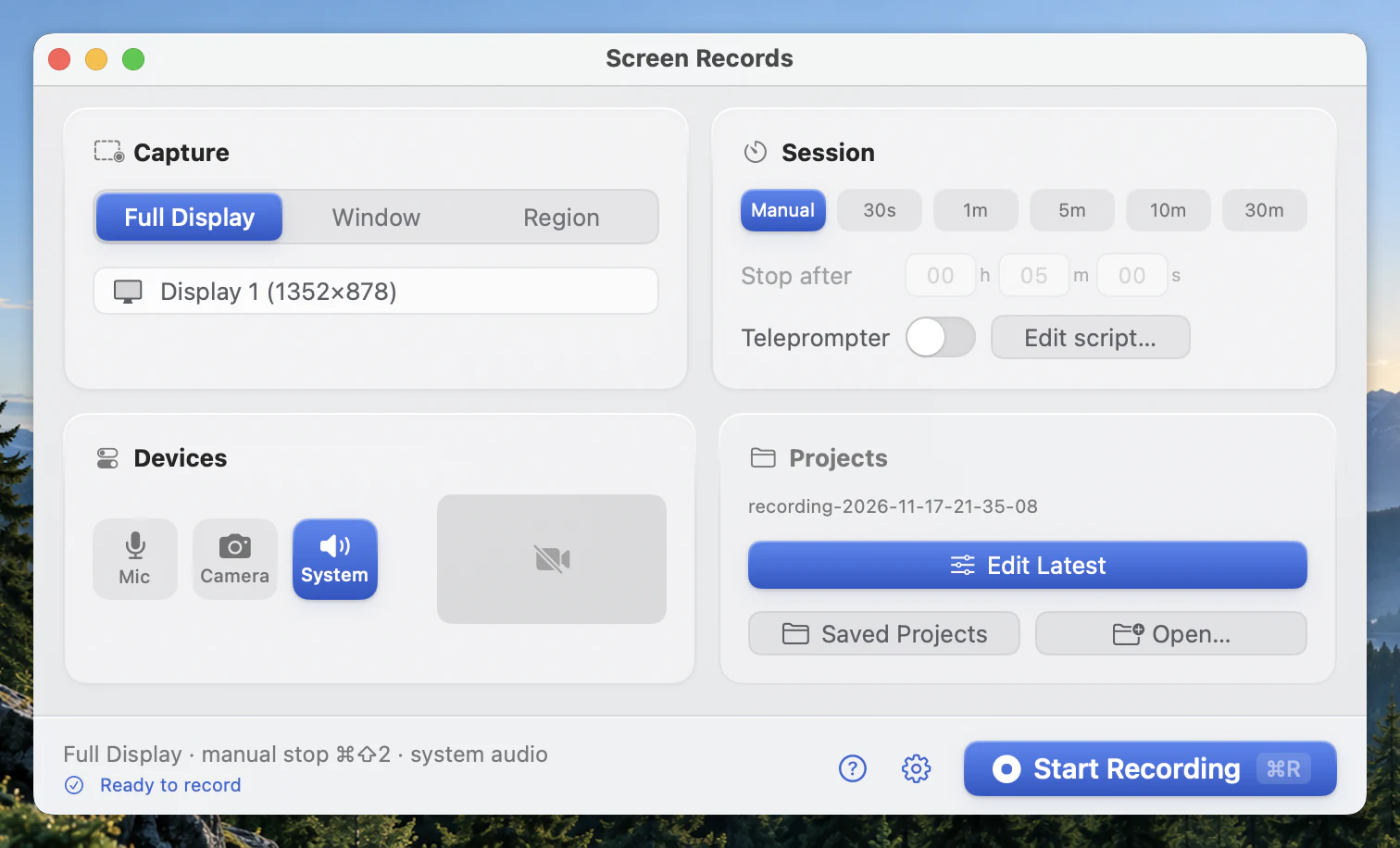
Everything you decide before recording, on one screen.
Capture area, session length, stop shortcut, devices and where the project saves. No wizard, no six-step modal. The status line tells you exactly what is about to be recorded — and warns you before macOS does.
What fits in 12.6 MB.
Native Swift, with no browser engine packed inside. Recorders with a similar feature set often pass 500 MB installed.
Record
- Full display, window or region
The region stays outlined on screen while you record.
- Controls on every Space
Pause or stop from a full-screen app or another display.
- Stop timer
Set a length and the recording ends on time, or stop with a global shortcut.
- Camera in any shape
Circle, rounded square, rectangle or full frame. Resize and move it after recording.
- Camera background blur
Runs on your Mac, live while you record.
- Mic, camera and system audio
Separate toggles, and headset mics work.
Edit
- Cut and split in two keys
Split at the playhead, select the dead air, delete.
- Remove Pauses
Cuts every silence longer than the gap you pick, in one click.
- Zooms with a depth choice
Place one where the click happens. The motion is eased.
- Push-to-talk voiceover
Re-record one sentence without redoing the take.
- Separate tracks
Screen, camera, mic, system audio and voiceover. Cut or mute one alone.
- Text and images on top
Titles, labels, logos or arrows over the video.
- Backgrounds
Image, gradient or solid color behind the recording.
- Non-destructive
Your raw capture is never overwritten, and every edit can be undone.
Captions & AI
- Captions made on your Mac
Transcribed locally. No audio is uploaded.
- Fix captions by typing
Edit a word like text. Muted audio is left out.
- Four caption styles
Restyle them before export.
- AI edits through MCP
Claude, ChatGPT, Codex or Cursor cut, zoom, caption and export a project.
- You review every AI edit
Each change lands in the open editor as one undo step.
Export
- MP4 in five shapes
Auto, 16:9, 9:16, 1:1 or 4:5, in H.264 that plays everywhere.
- GIF
A looping clip for a README, a changelog or a pull request.
- Audio on its own
Mic, system audio and voiceover, for the podcast version.
- Captions as files
SRT, WebVTT or plain text, or burned into the video.
- Quality you choose
See the file size and export time before you start.
Free to use. Pay once to drop the badge and get MCP.
Record and edit as much as you like. Free exports carry a small screenrecords.app badge in a corner, and a lifetime license takes it off. No subscription, no export credits.
Black Friday
Prices go up December 1
Ends in
Free
The whole app, for as long as you like
No time limit
- Unlimited recordings
- Full editor: cut, zoom, captions, voiceover
- MP4 and GIF export with a small corner badge
- No account, no email required
No card, no account
One Mac
Save $10For your main machine
once
- Everything in Free
- No badge on video and GIF exports
- AI editing with Claude, ChatGPT, Codex or Cursor
- Audio, transcript and captions export
- Activate on 1 Mac
- Lifetime license — one payment, no subscription
- Lifetime updates included
14-day refund, no reason needed
Three Macs
Save $20Desktop, laptop + one for your editor
once
- Everything in One Mac
- Activate on up to 3 Macs
- Move a seat by contacting support
- Lifetime license — one payment, no subscription
- Lifetime updates included
14-day refund, no reason needed
Prices in USD, one-time. Already bought it? Restore your license.
Your recordings stay yours.
Screen recordings capture whatever is on screen — customer data, dashboards, unreleased work. This app is built so none of that has to leave your Mac.
Signed and notarized
Apple-notarized builds, so macOS opens it without the right-click ritual.
Local-first projects
Recordings and projects live in a folder you choose, and captions are made on your Mac. Nothing is uploaded to us.
Non-destructive edits
Cuts, zooms and backgrounds are instructions. Your raw capture is never overwritten.
One payment
A lifetime license, not a subscription. Buy it once and it keeps working.
Before you download.
What do I get for free?
The whole recorder and editor, with no recording limit and no time limit. Video and GIF exports carry a small screenrecords.app badge in a corner. No account and no email address needed: download it and start.
Is this a subscription?
No. It is a one-time payment for a lifetime license: $29 for one Mac, $49 for three at the current price. The price steps up as licenses sell, and the pricing page shows the live count. Every future update is included, with no paid upgrades.
What does a license add?
Exports without the badge, the audio and captions as their own files (an M4A for a podcast feed, SRT or WebVTT for YouTube), and AI editing: Claude, ChatGPT, Codex or Cursor can cut, zoom and caption your project through MCP. The badge is added when you export, never saved into a project, so everything you made before buying exports clean too.
Can I move my license to a new Mac?
Yes. A one-Mac license activates on one machine at a time; email support and we will free the old seat. The three-Mac license covers a desktop, a laptop and a spare without asking.
Does it record system audio?
Yes — system audio, your microphone, and camera, each on its own track so you can adjust or export them separately.
Do my recordings go to a server?
No. Recording, editing and captions happen on your Mac. The app only talks to our backend to verify your license and check for updates. If you connect an AI client like Claude or ChatGPT, that client reads the transcript and any frames it asks for, and sends them to its own company.
How do captions work?
The app transcribes speech with a speech model that runs on your Mac. The model is a one-time 540 MB download, fetched the first time you make captions, and then used for every project. No audio leaves your Mac for it.
Does it have a dark mode?
Three themes come with the app: the lime one in the screenshots here, a plain light theme, and a full dark theme. Switch between them in settings at any point, including mid-project.
Which Macs are supported?
Apple Silicon Macs (M1 or later) running macOS 14 or later. Intel Macs are not supported. The download is a signed, notarized .dmg.
How big is the download?
5.5 MB to download, 12.6 MB once it is in your Applications folder. The app is written in Swift against Apple's own frameworks, so there is no browser engine packed inside it the way there is in an Electron build. Recorders with a comparable feature set often pass 500 MB installed.
Can I get a refund?
Yes — 14 days, no argument. The free version exists so you can find out first, but if it does not work for you, email us.
Still comparing recorders?
Side-by-side write-ups, including where another app is the better pick.
- The best Mac screen recorders in 2026Comparison of Mac screen recording apps worth considering: what each is good at, what it costs, and when to pick which.
- Screen Records vs LoomA local one-time-purchase Mac recorder against a cloud subscription tool: where each one wins, and which fits your workflow.
- Screen Records vs Screen StudioScreen Studio 4.1 against Screen Records 0.1.9: automatic polish and share links on a subscription, or local editing, AI edits over MCP and a one-time license.
- Screen Charm alternative: Screen Records vs Screen CharmScreen Charm is $19 a month or $89 a year. Screen Records is paid once, and Claude or ChatGPT can record and edit the demo for you.
- ShotGlass alternative: Screen Records vs ShotGlassShotGlass makes 3D product shots. Screen Records makes videos you narrate, with captions on your Mac, a camera and an AI agent that edits them.
- The best Loom alternative for MacIf you used the link, pick another cloud tool. If you fought the 5-minute cap to make a video, pick a recorder with an editor. Options for each.
- A ScreenFlow alternative for people who use a fifth of itWhat ScreenFlow costs and does, why people switch, and which Mac alternative fits: a recorder with an editor, automatic polish, free tools or a pro NLE.
- Free screen recorders for Mac with no watermarkWhich Mac screen recorders are free with no watermark, which are trials or capped plans, and a 60-second test to run before you record a real take.

One bad sentence should not cost you the whole take.
Every Mac recorder I tried was either a 500 MB Electron brick or $15 a month for a trim button.
So I built Screen Records: 12.6 MB installed, with recording, editing, export and MCP in one small native app.
Recently shipped
- · v0.1.9Recordings keep your screen's real colors, and you can pinch to zoom the editor preview
- · v0.1.8AI agents record demo videos, blur part of a recording, 3:4 reel format and more
- · v0.1.7Free version instead of 3 trial videos
Your next demo, ready to publish.
Download it free, record as much as you like, and pay once when you want the badge gone.