You could vibecode a screen recorder. Or record today
An AI agent gets you a red record button in an afternoon. The rest took us two months. Where that time goes, and how to record something tonight instead.
You can vibecode a screen recorder in an afternoon. Ask an AI agent for a Mac app that records
the screen, and before dinner you will have a window with a red button that writes a .mov.
It is a good afternoon.
What you will not have is the thing you wanted it for: a video you can send by tonight. That part took us two months of work before the first public release, and it is free to download now.
What the afternoon version does
Apple's ScreenCaptureKit does the hard capture work, and the sample code is good. The first version records a display, maybe the microphone, and saves a file. If all you need is that, you already have it: press ⇧⌘5.
What the next two months go into
Screen Records started on July 6, 2026. Version 0.1.0 shipped on September 7. By late October the app was about 38,000 lines of Swift with another 9,700 lines of tests, across nearly 300 commits. Very little of that is the red button. Here is where it went.
Permissions that survive a rebuild. macOS asks separately for screen recording, camera and microphone, and quietly forgets those grants every time an unsigned build changes. You find this out on the fortieth rebuild, when nothing records and nothing tells you why.
Sound from the Mac, on its own track. Getting system audio at all is the first fight. Keeping it apart from your voice, so a notification can be muted without muting you, is the second.
Pause that does not break sync. Pausing has to leave the paused time out of the file while audio and video stay lined up afterwards. Get the clock slightly wrong and your lips drift by the end of a ten-minute take.
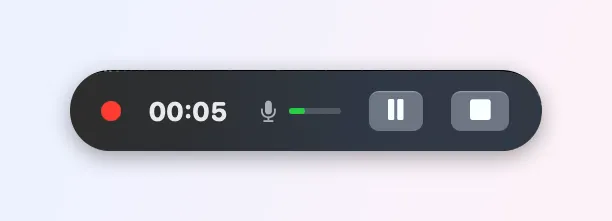
Controls you can see but the recording cannot. The bar has to float over full-screen apps on every desktop, and it must never appear in the video it is recording.
An editor where nothing drifts. Cut ten seconds near the start, and every zoom, voiceover clip and caption after it has to move by exactly ten seconds. Undo has to bring all of them back.
Captions without a server. A speech model that runs on the Mac, downloads once, and lets you fix a word by typing.
The parts nobody demos. Code signing, Apple notarization, a disk image that opens without warnings, auto-updates, export that does not freeze the window, and projects that save as you go so a crash does not cost you the take.
None of this is exotic. It is just a long list, and every item on it is time you spend building instead of recording.
What you get today instead
Download, open, allow the screen recording permission, record. That is about two minutes on a normal connection, and there is no account to make.
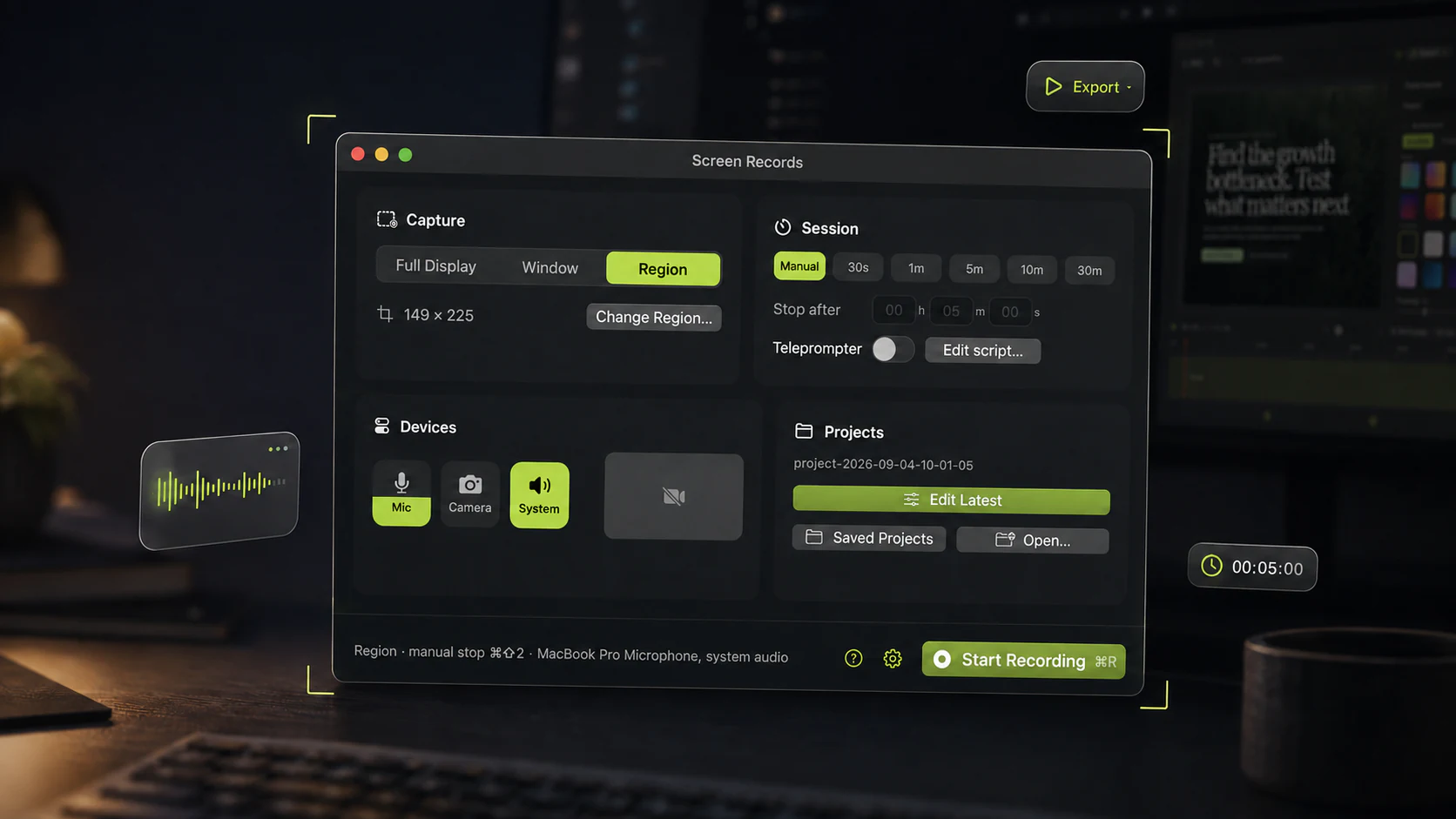
The free version records with no limit and includes the full editor: cuts, zooms, camera bubble with blur, voiceover, Remove Pauses and captions made on your Mac. Exports carry a small badge in the corner. A license is $29 once and removes it.
Keep your agent busy anyway
If the itch was "I want my AI agent doing this", you can still have that. Screen Records has an MCP server built in. With a license, Claude Code, Codex, Cursor or ChatGPT can open your recording, cut the pauses, add captions and zooms, and export, while you watch every change land in the editor.
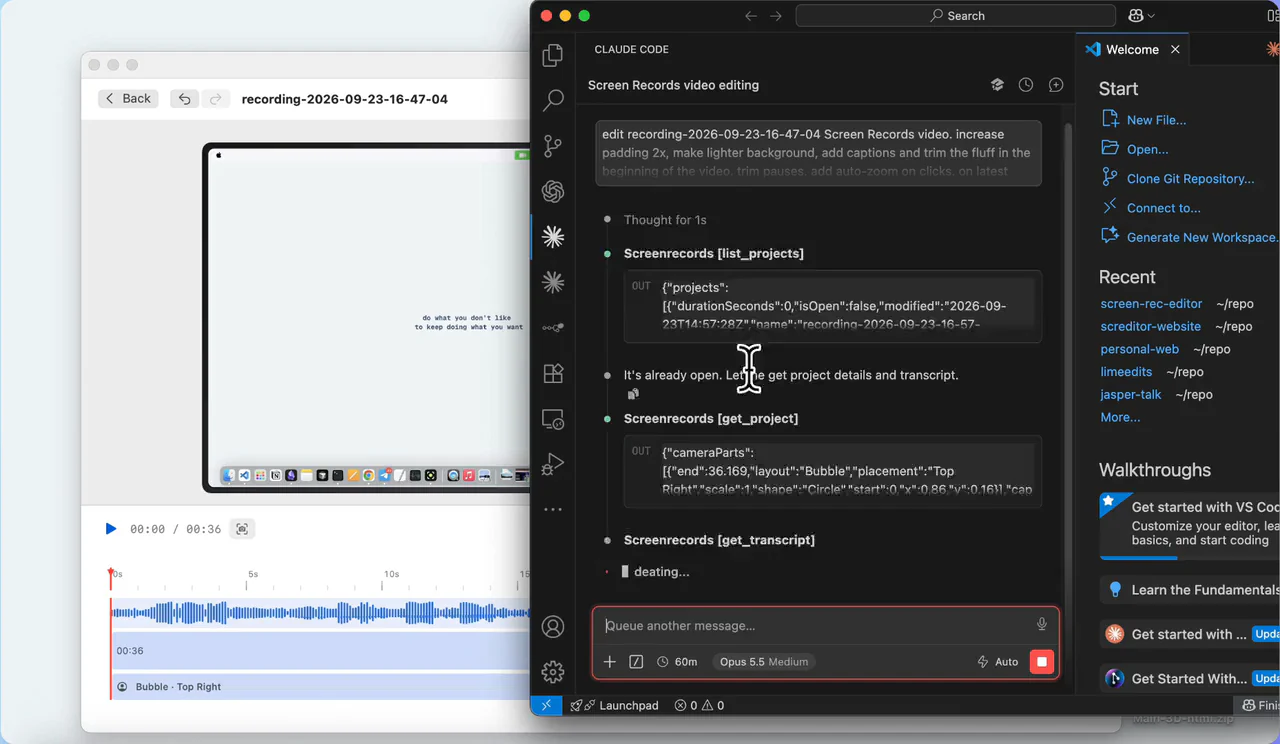
That is a better use of the agent than rebuilding pause logic. Point it at the video, not at a new codebase.
If you still want to build one
Do it. Building a recorder teaches you a lot about video and audio capturing, video editing nuances, macOS and UX. And it is a fun project. You can record the demo of yours with ours, so it is public this week.
Share this post
Keep reading
- Product updateScreen Records is now free, with no recording limitVersion 0.1.7 drops the three-recording trial. Record and export as much as you like; free videos carry a small corner badge that a one-time license removes.
- Product updateI let Claude Code edit my screen recordingOne prompt, 48 seconds: a 36-second raw take came back cut to 17, with captions, zooms and a lighter background. What it did and what it sent to the AI.
- GuideA teleprompter for screen recording on your MacPaste your script, place the panel under your camera, and it scrolls at your reading pace once you hit record. It never appears in the video.